
.png)
Description
Download H&R Block Online – Fast, Secure Tax Filing Software
Overview
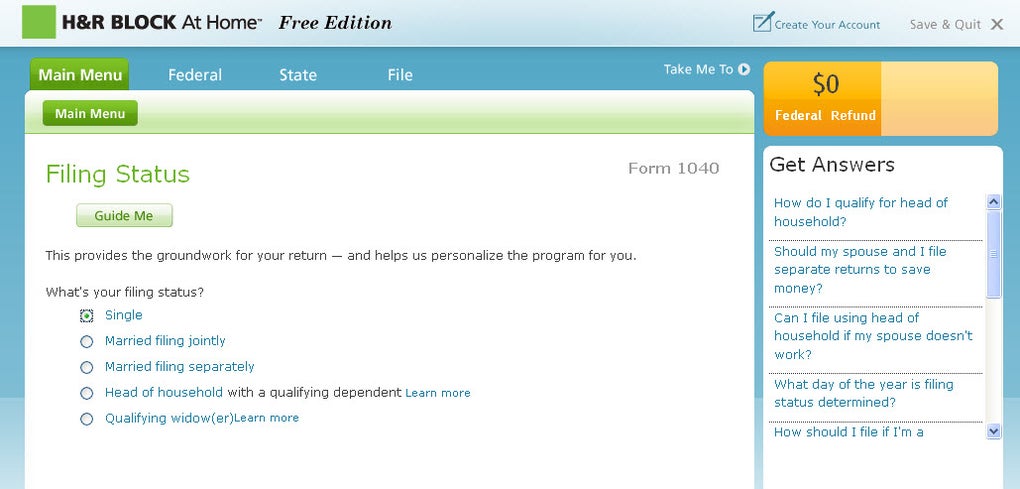
H&R Block Online is a web‑based tax preparation platform designed for U.S. wage earners who want a reliable, easy‑to‑use solution for filing federal and state returns. Whether you are a first‑time filer or a seasoned taxpayer, the service walks you through the entire process with a step‑by‑step questionnaire, real‑time error checking, and a built‑in refund calculator that helps you maximize every deduction. The interface mirrors the familiar H&R Block brand, offering a professional feel without the need to install heavyweight desktop software. Users can choose to e‑file directly to the IRS and state tax agencies, or download a printable PDF for manual submission. The platform supports the most common tax forms—including the 1040, 1040‑A, and 1040‑EZ—making it an ideal choice for simple to moderately complex returns. While more intricate situations such as 1099‑MISC income or Schedule C self‑employment earnings require an upgrade to the Deluxe or Premium tiers, the core Online version remains a solid, cost‑effective option for the majority of filers. A modest filing fee applies to both federal and state submissions, which is standard across the industry. Overall, H&R Block Online blends the credibility of a long‑standing tax firm with the convenience of a cloud‑first application, delivering a secure, fast, and user‑friendly experience for anyone looking to file taxes online.
Key Features that Set H&R Block Online Apart
- Guided Interview Process: An intuitive Q&A flow that asks the right questions at the right time, eliminating guesswork.
- Refund Maximizer Tool: Built‑in calculators scan for missed credits, deductions, and tax‑saving opportunities.
- Secure Data Encryption: 256‑bit SSL encryption protects personal and financial information throughout the filing journey.
- Live Chat & Expert Help: Access to real tax professionals via chat or phone for on‑the‑spot assistance.
- E‑File Directly to the IRS: Fast electronic submission with immediate acknowledgment of receipt.
- State Return Integration: Seamlessly add state filing for an additional, transparent fee.
- Import Prior Year Returns: Upload last year’s PDF or import from other tax software to reduce data entry.
- Audit Support: Free audit assistance for basic returns, giving peace of mind after filing.
- Mobile‑Responsive Design: Complete functionality on smartphones and tablets without a separate app.
- Document Storage: Secure cloud storage for PDFs of completed returns and supporting documents.
These features combine to create a comprehensive tax‑preparation ecosystem that balances simplicity with depth. For example, the Refund Maximizer runs in the background while you answer questions, automatically suggesting credits like the Earned Income Tax Credit or Child Tax Credit when applicable. Meanwhile, the live‑chat window connects you with a certified H&R Block tax specialist, which is especially helpful if you hit a confusing line item. Security is a top priority; the platform adheres to IRS e‑file security standards, and your data is never stored on local devices unless you explicitly download a copy. The ability to import prior returns accelerates the process for repeat filers, while the mobile‑responsive layout means you can finish your return on a coffee break without needing a desktop computer. In short, the feature set addresses both the functional and emotional concerns that typically accompany tax season.
Installation, Usage, and Compatibility
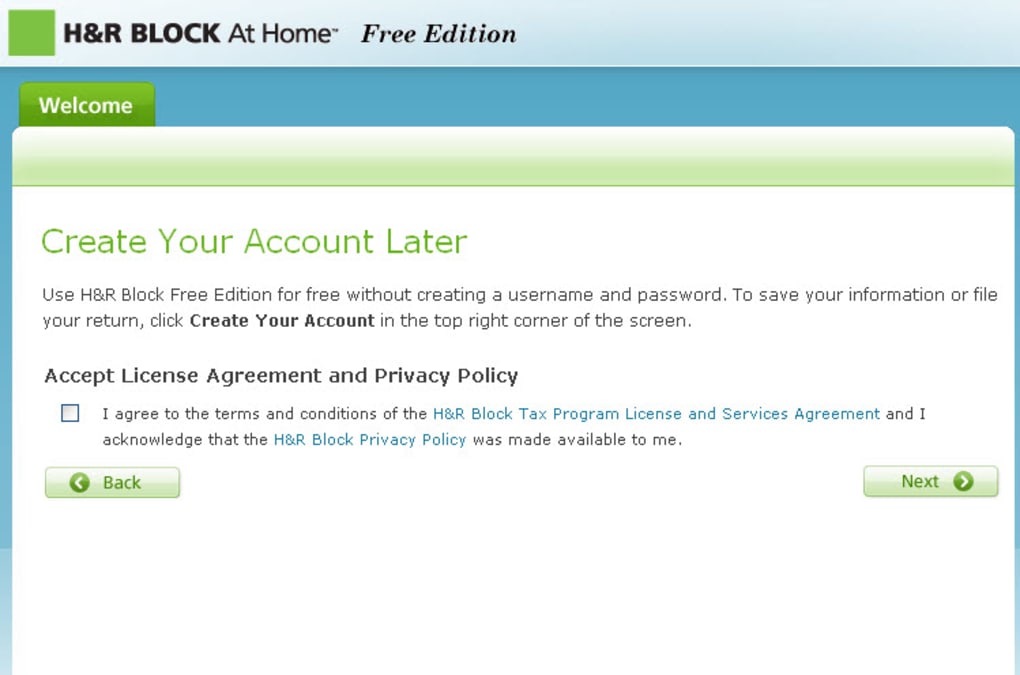
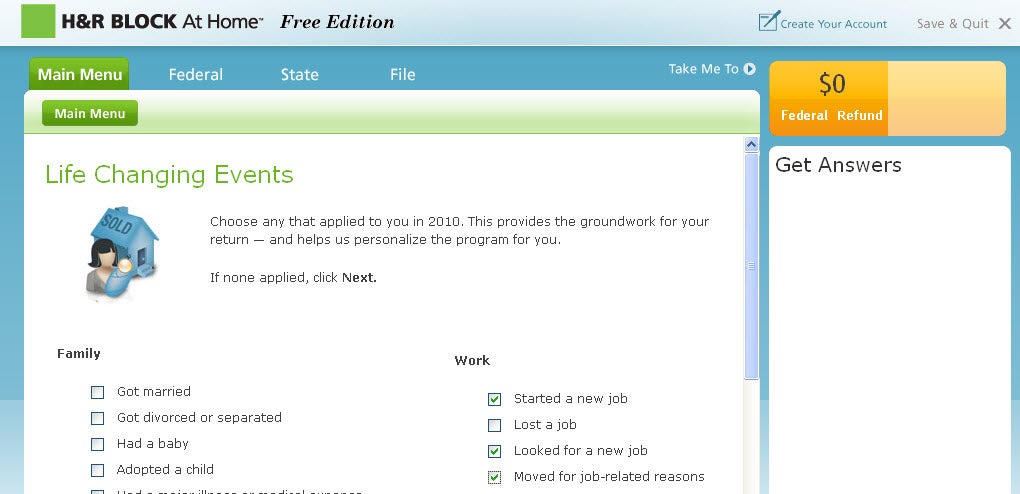
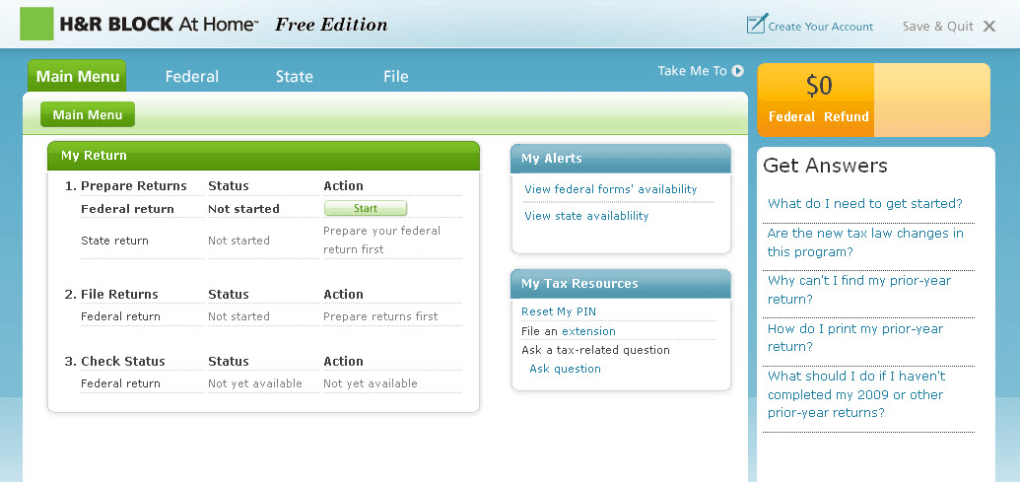
Because H&R Block Online is a cloud‑based service, there is no traditional installation process. To get started, simply visit the official H&R Block website, create a free account, and select the “Start for Free” option. The platform works in any modern web browser, including Chrome, Firefox, Safari, Edge, and Opera. After signing in, you will be guided through a series of screens that collect personal information, income details, and filing status. The wizard automatically saves your progress, allowing you to pause and resume at any time—even across different devices.
Step‑by‑Step Guide:
- Navigate to hrblock.com and click “Sign In / Create Account.”
- Enter basic personal details (name, SSN, address) and verify your email.
- Choose the “Free Online” product for basic 1040, 1040‑A, or 1040‑EZ filing.
- Follow the on‑screen questionnaire, entering wages (W‑2), interest, and other income sources.
- Utilize the “Refund Maximizer” suggestions and adjust entries as needed.
- Review the summary page for errors; the system highlights any missing or inconsistent fields.
- Pay the filing fee (usually $0 for federal, $XX for state) via credit card or ACH.
- Click “E‑File” to submit directly to the IRS; you’ll receive an electronic confirmation within minutes.
- If you prefer a paper copy, download the PDF and mail it to the appropriate address.
The platform also supports any modern operating system with an up‑to‑date browser, including Windows 10/11, macOS Monterey and later, Linux distributions, iOS Safari, and Android Chrome. No additional software or plug‑ins are required, making it an ideal choice for users who switch between desktop and mobile devices. In addition, the service automatically updates its tax tables each year, so you never need to worry about outdated calculations. For those who need extra assistance, the “Help Center” offers searchable articles, video tutorials, and a community forum where common tax questions are addressed.
Pros, Cons, and Overall Assessment
Pros
- Highly intuitive guided interview reduces the learning curve.
- Robust security measures keep personal data safe.
- Free federal filing for basic returns.
- Live access to tax professionals for real‑time help.
- Responsive design works on desktops, tablets, and smartphones.
- Audit support included with basic returns.
- Clear pricing structure with transparent state filing fees.
Cons
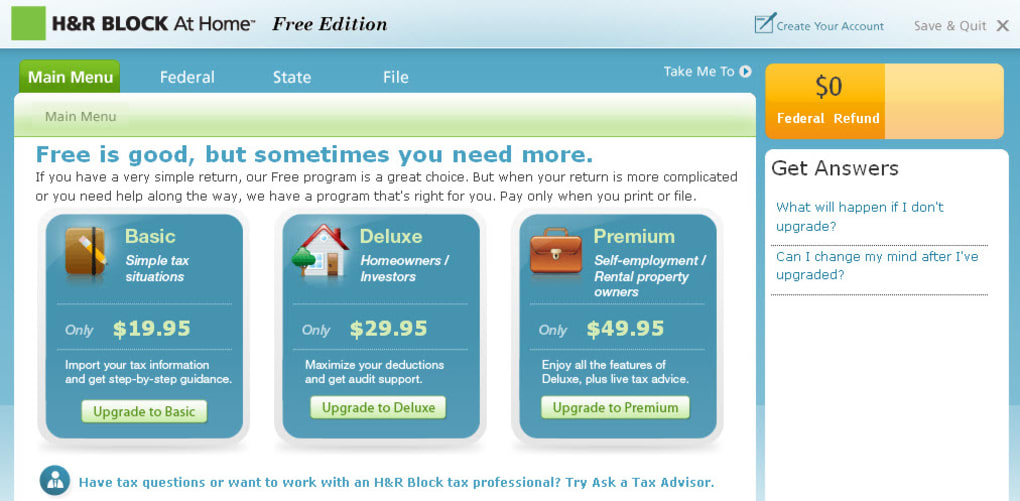
- More complex situations (self‑employment, rental income) require a paid upgrade.
- State filing fee is separate and can add up for multiple states.
- No dedicated desktop application for offline work.
- Limited customization for advanced tax strategies compared to premium desktop suites.
Overall, H&R Block Online delivers a solid blend of simplicity, security, and professional support. It shines for users with straightforward wage income, making the tax filing process feel less like a chore and more like a guided experience. While power users may outgrow the free tier, the upgrade path to Deluxe or Premium is clearly laid out, ensuring that the platform can grow with your tax needs. For anyone looking to file a basic return quickly, securely, and with the backing of a trusted tax brand, H&R Block Online remains a top recommendation.
Frequently Asked Questions
Is H&R Block Online really free for federal filing?
Yes. The core “Free Online” version lets you file a basic 1040, 1040‑A, or 1040‑EZ without any federal filing fee. State returns carry a separate fee, which is disclosed before you finalize the submission.
Can I import a previous year’s tax return?
Absolutely. H&R Block Online allows you to upload a PDF of your prior return or import data from other tax software, which speeds up data entry and reduces errors.
What security measures protect my personal information?
All data is transmitted over 256‑bit SSL encryption, stored on secure servers that meet IRS e‑file standards, and protected by multi‑factor authentication for account access.
Do I need to upgrade for self‑employment income?
Yes. If you have 1099‑NEC, Schedule C, or other self‑employment forms, you’ll need to upgrade to the Deluxe or Premium tier, which includes the necessary schedules and guidance.
How quickly will I receive my refund after e‑filing?
Most refunds are deposited within 21 days of the IRS accepting your e‑filed return. Using direct deposit speeds up the process even further.
Conclusion & Call to Action
If you’re searching for a trustworthy, user‑friendly tax solution that lets you file your basic federal return at no cost, H&R Block Online is a standout choice. The platform blends a clean, guided interface with powerful tools like the Refund Maximizer and live professional support, ensuring you capture every eligible credit while keeping your data secure. While the free tier focuses on simple wage income, the seamless upgrade path means you can stay within the H&R Block ecosystem as your tax situation grows more complex.
Ready to take the stress out of tax season? Click here to start your free H&R Block Online account, follow the simple steps outlined above, and file your return with confidence. Whether you’re filing from a Windows PC, a Mac, or even your phone, the secure, cloud‑based experience is just a few clicks away.
Guides & Tutorials for R Block Online
How to install R Block Online
- Click the Preview / Download button above.
- Once redirected, accept the terms and click Install.
- Wait for the R Block Online download to finish on your device.
How to use R Block Online
This software is primarily used for its core features described above. Open the app after installation to explore its capabilities.
User Reviews for R Block Online 0
No reviews found




